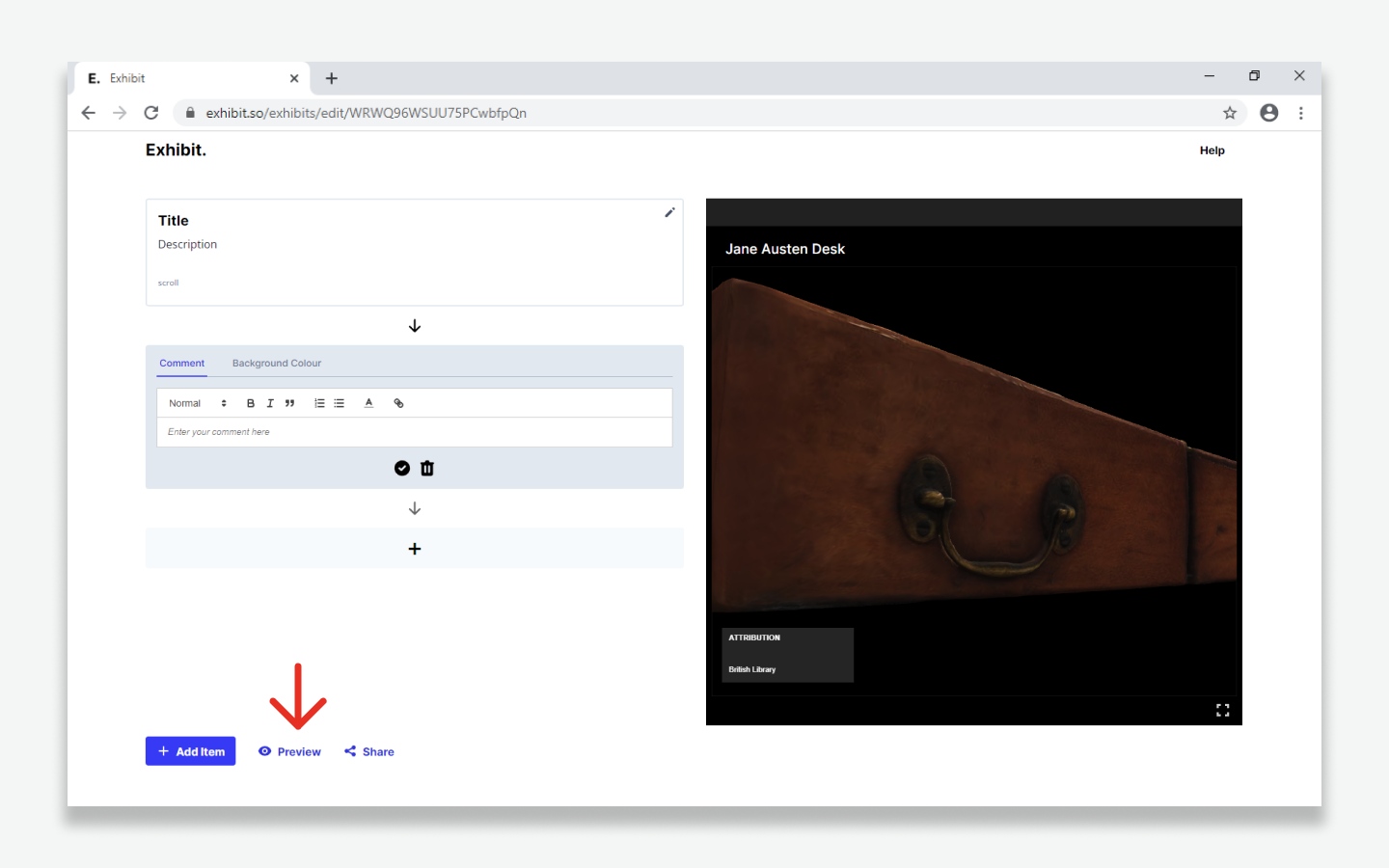
Adding Item Descriptions
- Zoom to the section of an item you would like to describe.
- Use the text panel to write a description.
- When complete, click the '✓' button.
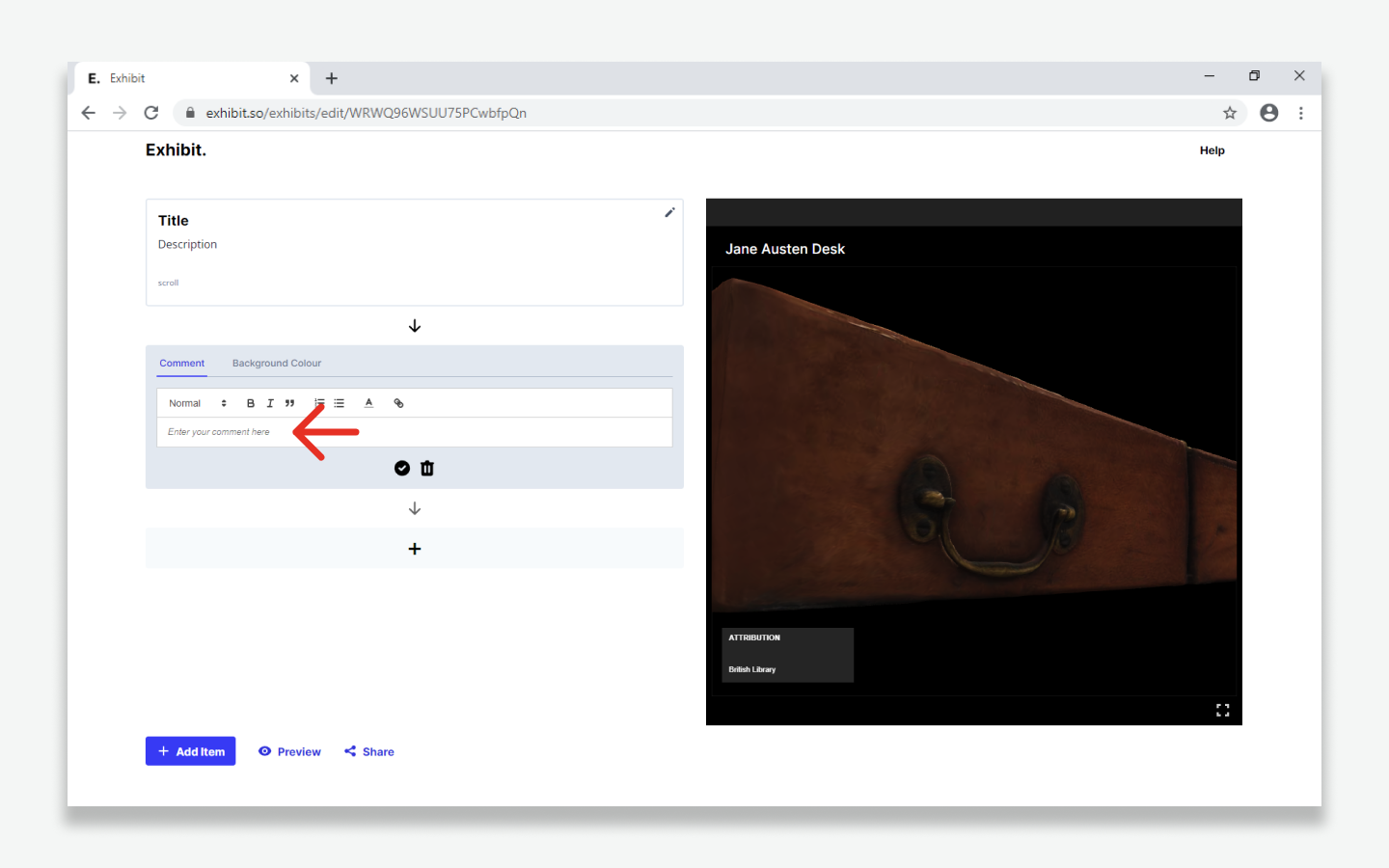
- To add a a new description click the '+' button
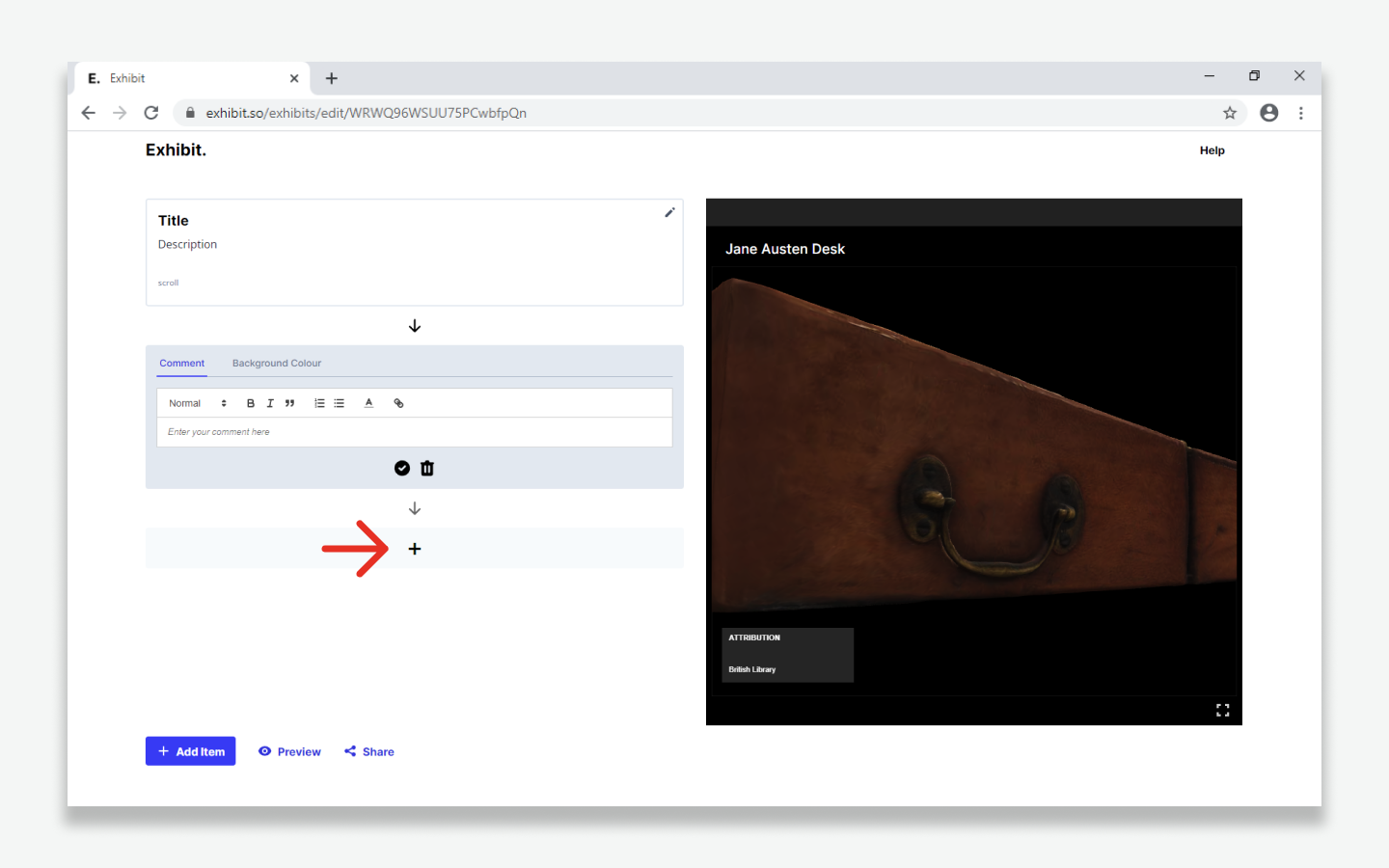
- A new description panel will appear.
- You can continue to describe different views of the same item.
- Descriptions can be edited at any time by clicking on the description panels.
- Description panels can be reordered using drag and drop.
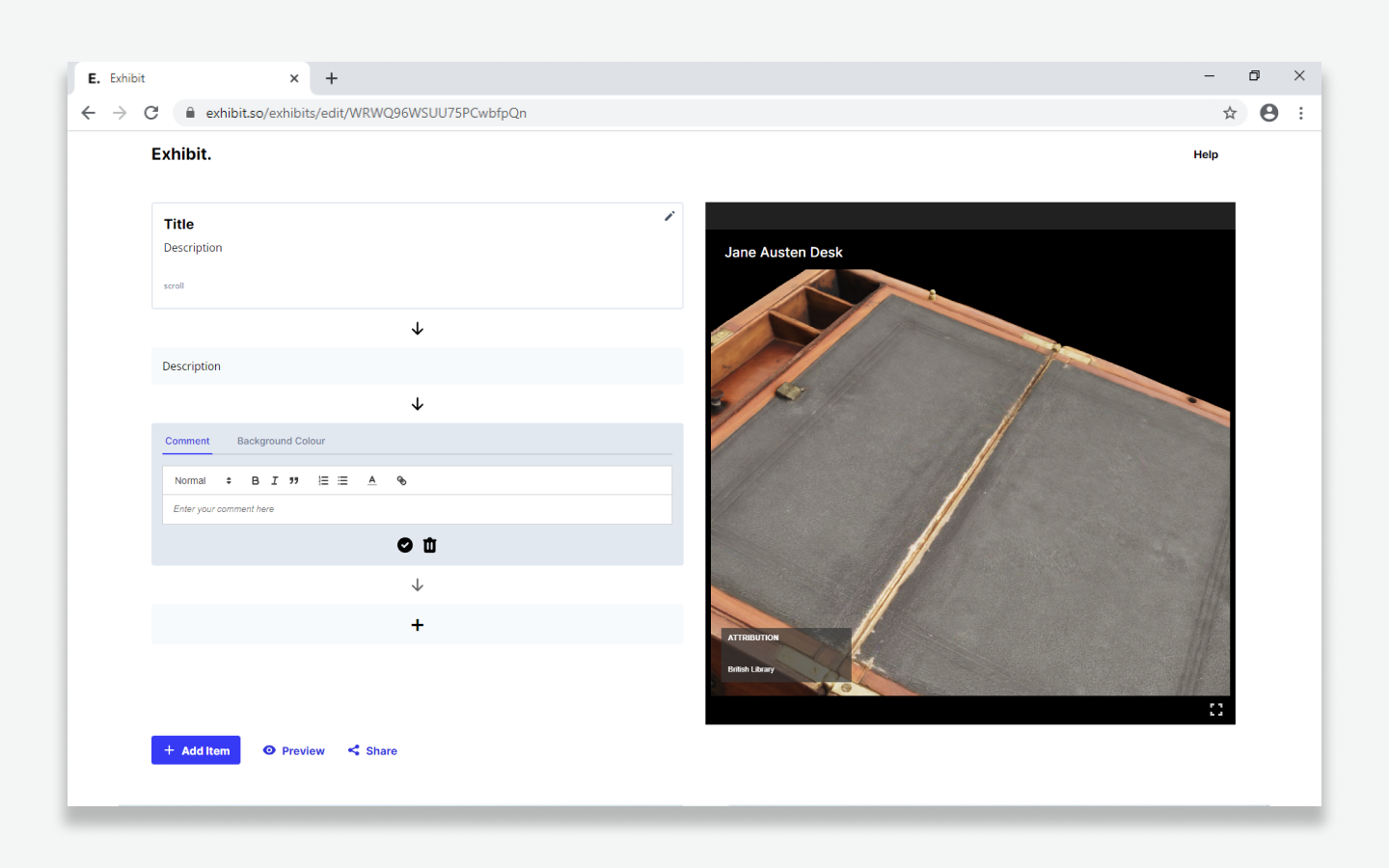
- Click 'Add item' to import/add additional items.
- Exhibits can be previewed at any time using the 'Preview' button.